- Admin Overview & Responsibilities
-
Difference between end user vs admin rights.
-
Your role as Energy administrator
-
Analyse navigation and sections
-
How admin work impacts data and dashboards.
- Accounts, Users & Groups
-
Creating and managing accounts, user roles, permissions.
-
Grouping users (profiles, roles), SSO considerations.
- Parameters & Data Basics
-
Meters, points, tags, and parameters.
-
Data sources, imports, and data quality basics.
-
Tutorial to try out data imports and general configuration
- Admin Workflows & Governance
-
Typical lifecycle (new location → configuration → data analysis).
-
Naming conventions, change management best practices.
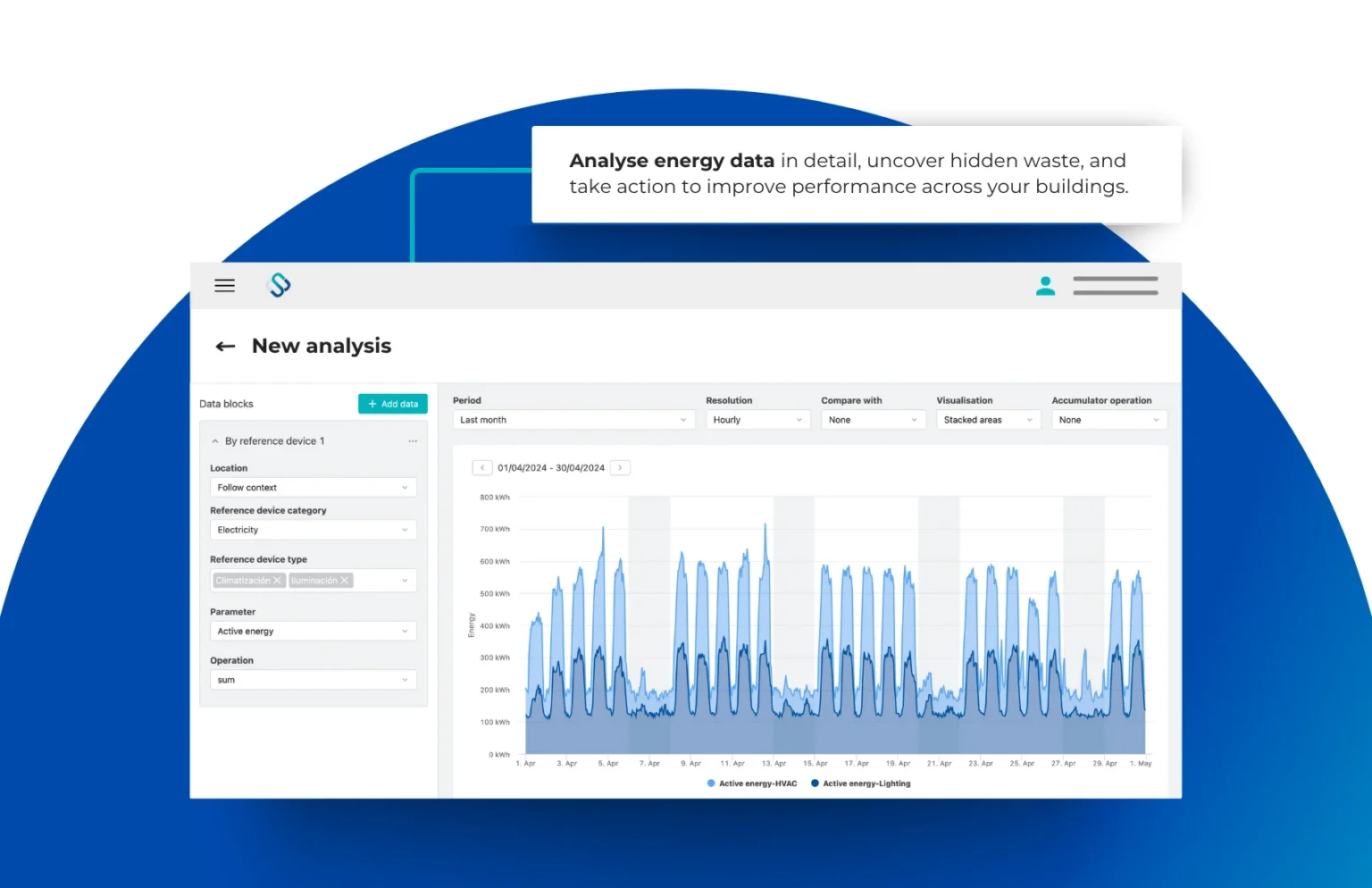
Energy Administration
Learn to configure the locations, manage data, users and the general structure.
The Energy Admin course is built for administrators who configure, manage, and support the energy platform for their teams.
In this course, you’ll learn how to set up users and permissions, manage data and integrations, and apply governance best practices to keep your environment secure and reliable.
We’ll walk through key admin workflows, common troubleshooting steps, and tips to standardize your configuration across regions or business units.
By the end, you’ll be able to confidently maintain your organization’s energy setup and support your internal users effectively.
Pre-requisites:
- You must have super-admin permissions in the platform to create new accounts; otherwise you will need someone with those rights to do it for you.
- You must have admin permissions in the platform in order to configure the account - but don't need to be super-admin for this.
- If you do not yet have platform access at all, the usual path is to request it through your organisation’s Spacewell Energy contact or support, who can then create the first account and user for you.
Skill up now with Spacewell Certifications!
Get Certified